 Zen by reinit
After the result
Continue after resignation.
Keep the original game, try the unplayed move, then play or simulate what happens next in Zen.
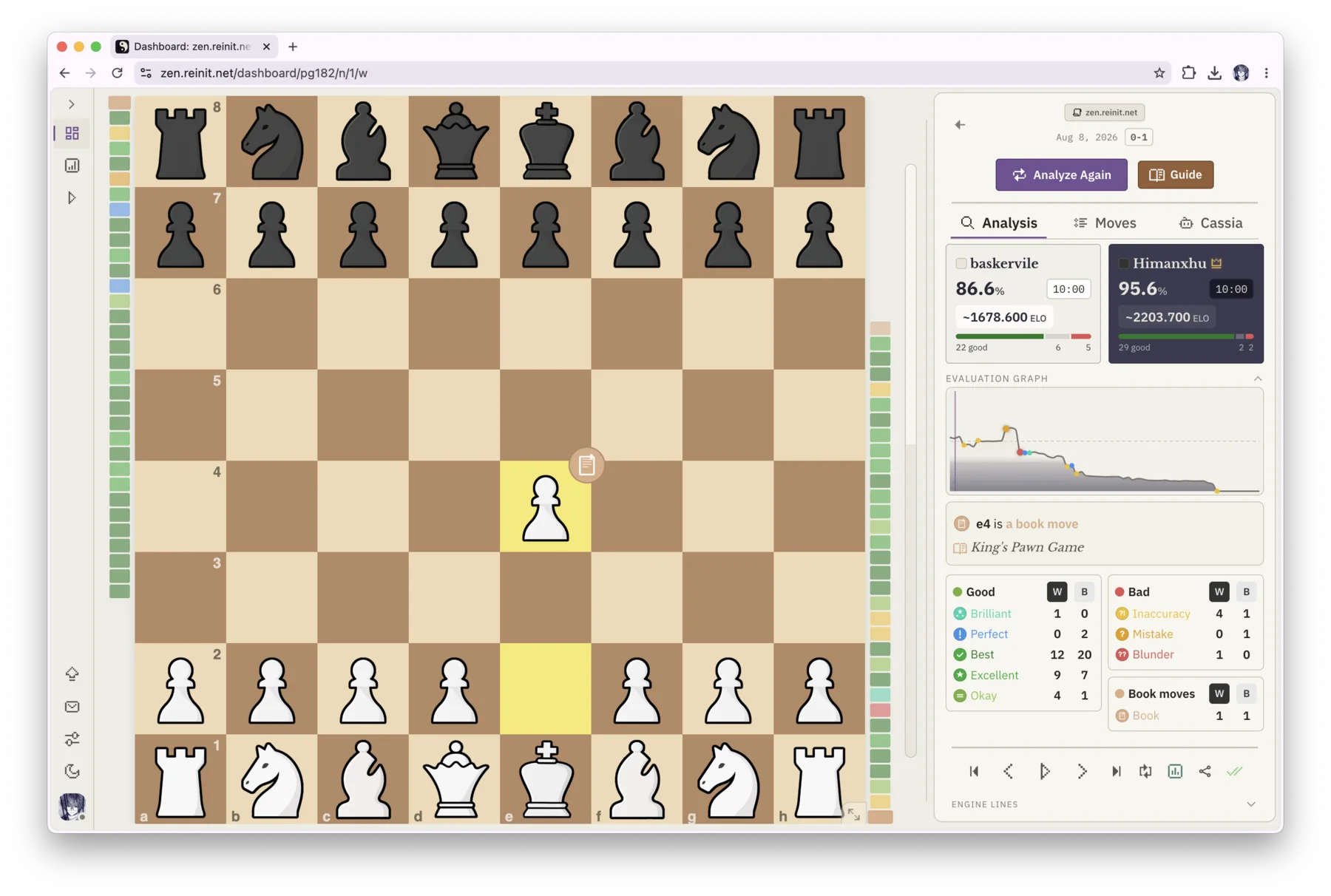
Yes. The result can stay finished while your analysis continues.
In Zen, resignation is part of the saved game, not the end of the board. Open the position, play the move you wanted to test, and continue from there without replacing the original line.
The question that started Zen
The game ended. The interesting position did not.
At a local tournament, my opponent resigned from a position I thought they might be winning. I found a tactic for their side and kept wondering how I could answer it.
Zen began as a way to preserve that exact question: keep the game, try the move neither player made, and continue the line without rebuilding the position somewhere else. Cassia came later.
From finished game to playable continuation
The original record stays untouched. Explore creates the branch, and Simulation decides who plays it forward.
Bring the finished game into Zen
Import games from Chess.com or Lichess by username, paste or upload a PGN, or open an existing game from your Zen library.
Return to the position you still care about
Open the final position or move back to any earlier moment where a different continuation looked possible.
Play the move that never happened
Make a different legal move on the board to enter Explore. The original game remains intact and available as your reference.
Continue the line your way
Play both sides yourself, face an engine opponent at a selected strength, or let Simulation continue both sides.
See the full branch happen on one board
This real Zen recording starts with an alternative move in Explore, then hands the position to Simulation for a complete continuation.
One question, fewer disconnected steps
Many analysis boards can examine a position. Zen keeps the continuation attached to the game that made the position meaningful.
Workflows differ between chess tools, and some already simplify parts of this process. Zen’s distinction is keeping the game, branch, continuation, and later review connected.
Questions players ask after a game ends
Can I continue a Chess.com game after someone resigns?
Yes. Import the game into Zen from your Chess.com history or bring in its PGN, open the position, and play a different move to enter Explore. From there you can continue manually or use Simulation.
Can I continue a Lichess game against an engine?
Yes. Import the game from Lichess, choose the position, enter Explore, and start a simulated opponent. You can choose your side and an engine strength from 1320 to 3190 Elo.
Can the engine play both sides from the resigned position?
Yes. Simulation can continue both sides from the current Explore position. You can choose the playing strength, pace, and stopping point.
Does continuing the game change the original result?
No. Zen preserves the original game, evaluations, classifications, and result. The continuation is a separate branch that you can leave without losing your place.
Can I save and analyze the continuation?
Yes. Save the alternative as a named library game, run a fresh Stockfish analysis, and ask Cassia about the new line if you have an account.
Do I need an account to use Explore or Simulation?
No. The local game library, browser-based Stockfish analysis, Explore, and Simulation can be used without an account. Cassia and optional cloud sync use account features.
The result is recorded. Your question is still playable.
Open Zen locally, bring in the game, and continue from the position you cannot stop thinking about.
Open Zen