Chess.com and Lichess imports
Load games by username, refresh the source later, and bring new games into the same local library.
 Zen by reinit
Complete product reference
A complete reference for the library, Stockfish analysis, Cassia, Explore, Simulation, sharing, sync, and customization.
Zen is built for self-learning chess players. It keeps the real game, the engine evidence, the explanation, and the alternatives connected so one review can become part of a personal chess history.
Keep games, analyses, and alternative ideas together instead of rebuilding the same context in separate tools.
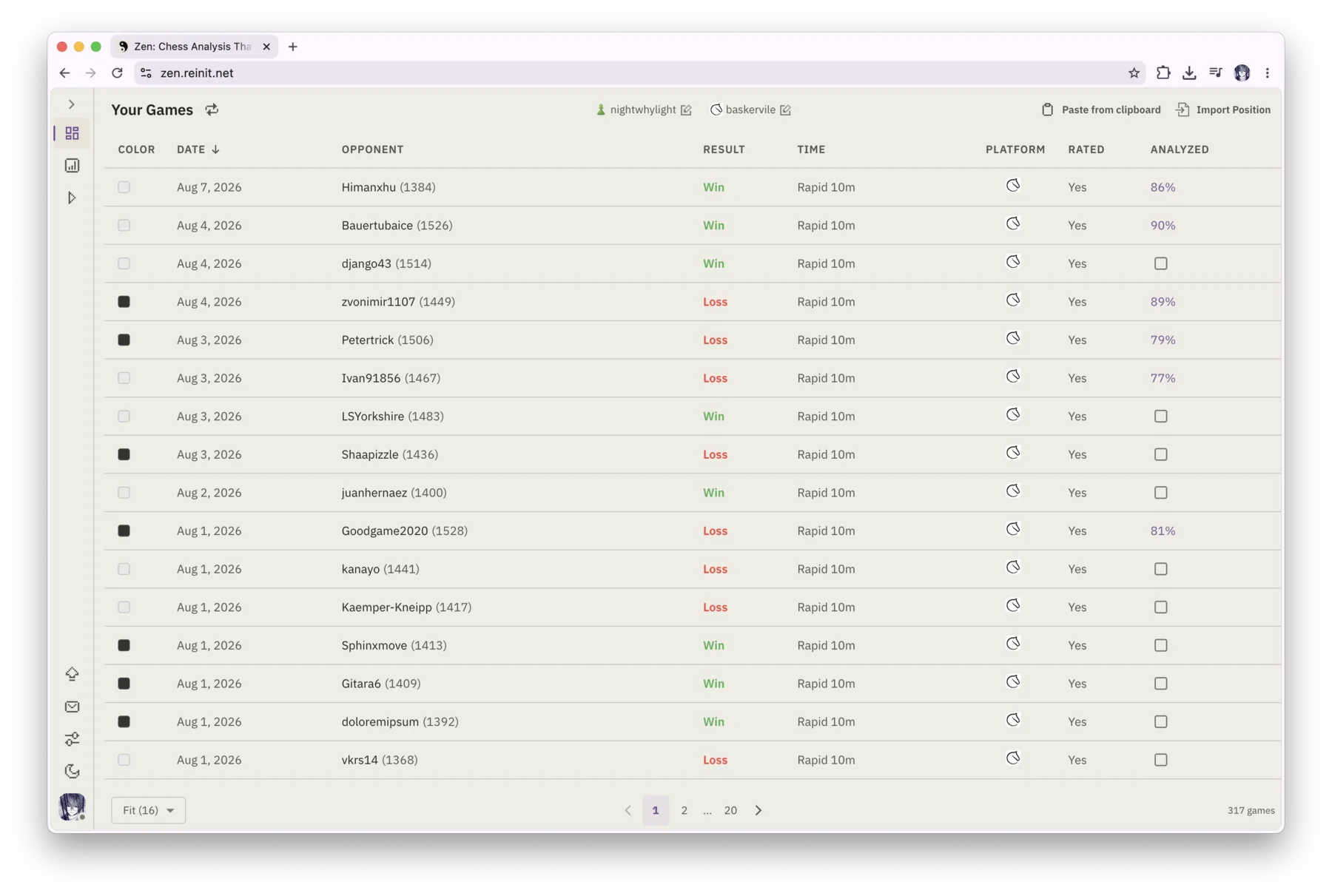
Load games by username, refresh the source later, and bring new games into the same local library.
Paste or upload PGN, start from a FEN position, or open a portable .zen analysis file. Legacy .rei files remain accepted.
Filter by analysis state, source, result, rated status, color, opponent, time category, and exact time control. Sort games by date.
See accuracy and analysis state beside a game, mark a game manually, and reopen saved Explore branches as independent library entries.
Use the core library without an account. Games stay in this browser during local use. Signing in enables free cloud sync by default; you can turn it off.
Automatically retain completed analyses so the work remains connected to the game when you return.
Choose how long cached games stay on the device and whether the library should also show unsupported variants such as Chess960.
Zen treats engine output as a map back to the important moments, not as a report you read once and close.
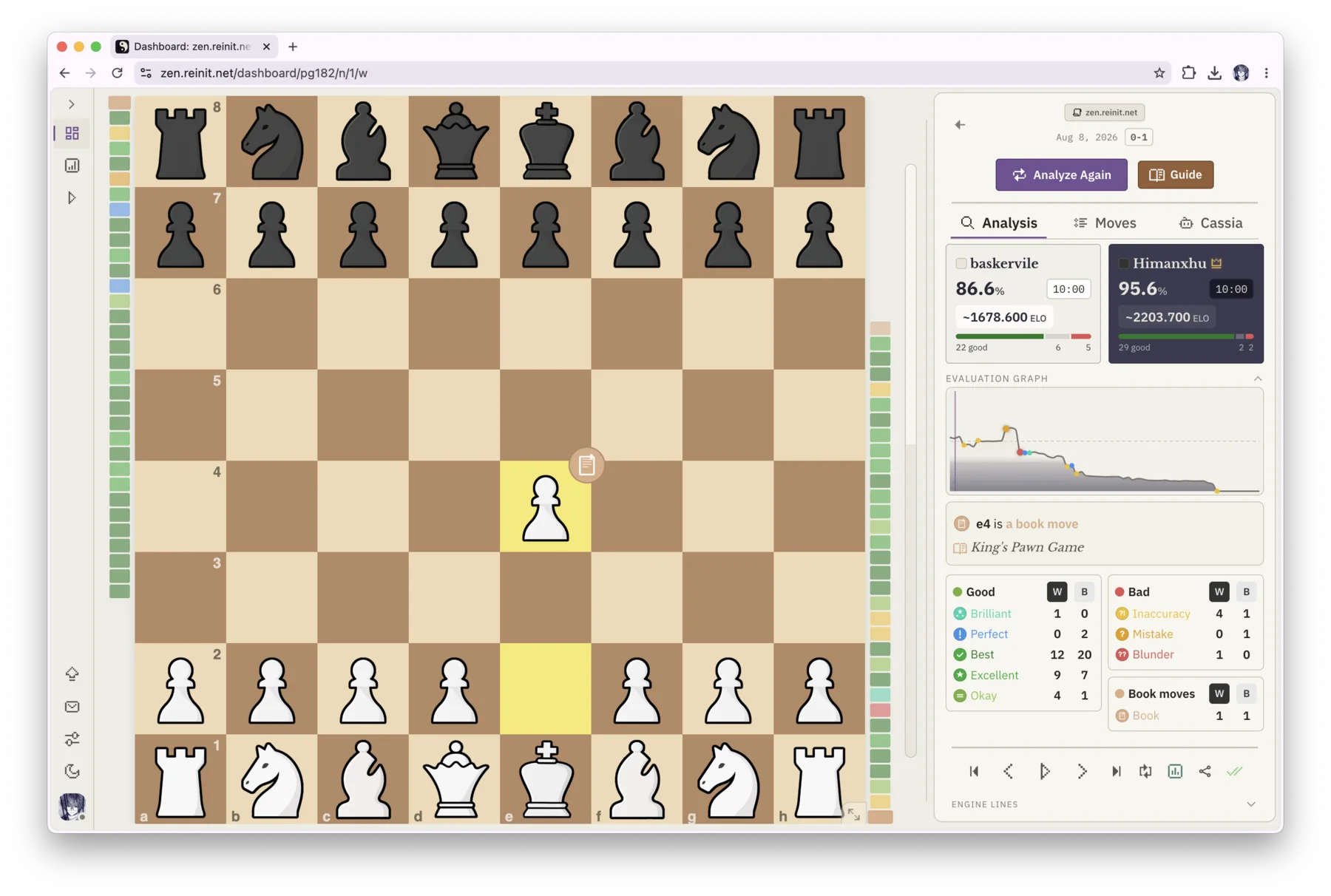
Run WebAssembly analysis locally, with configurable depth, candidate-line count, and worker threads suited to the device.
Evaluate every position across a worker pool. If analysis is interrupted, continue from its saved checkpoint instead of starting over.
Distinguish opening, forced, brilliant, perfect, best, excellent, okay, inaccurate, mistaken, and blunder moves.
Review accuracy for both players and an estimated playing level derived from the analyzed game.
See where the evaluation changed, then jump directly through each side's classified moves and turning points.
Inspect engine variations and play a candidate line directly on the board instead of decoding notation in isolation.
Keep the opening, move list, evaluation bar, captured pieces, player ratings, result, current move details, and optional best-move arrow together.
The engine establishes the chess facts. Cassia connects them to the threat, tactic, structure, or plan a player can learn from.
Ask why an analyzed move failed and receive a plain-language explanation grounded in the position and engine analysis.
Turn a completed analysis into a connected account of the game's important moments rather than a dry list of statistics.
Continue the summary conversation with questions about the game while its Cassia history remains attached to that record.
Read Cassia's answer as it is produced instead of waiting for the entire explanation to finish.
When Cassia identifies a better move classification, review the suggestion and choose whether to apply it.
Keep Cassia explanations and summary conversations with the game locally, and optionally include them in a shared .zen file.
Branch from the real game in place, test an idea, and keep the original line available as your reference.
Play a different legal move to enter Explore without copying a FEN, opening another board, or losing the game's history.
The analyzed game, its evaluations, and its classifications stay unchanged while you examine the alternative.
The move list distinguishes original moves, moves you explored, and moves produced by Simulation.
Play both sides yourself for as long as needed before saving the line or handing it to Simulation.
Turn the alternative into a named library game, run a fresh analysis, and then ask Cassia about the new line.
Leave Explore and return to the original game at the exact branch point.
Use Simulation when a game ended too early, an alternative looks interesting, or you want to play the continuation yourself.
Choose a side and play from the current Explore position while the engine replies at a selected strength from 1320 to 3190 Elo.
Let the engine play both sides to see how a resigned, unfinished, or hypothetical position might continue.
Choose Perfect Play, White versus Best, Black versus Best, or configure each side independently with best play, selected Elo, or estimated player Elo.
Run instantly, fast, or slowly. Stop at game end or after a chosen move limit.
Pause, resume, cancel, or repeat a simulation, then review its result, move count, and reason for stopping.
Replay a simulated-opponent attempt from its original position while that branch remains valid.
The board, pacing, appearance, and responsive layouts are adjustable so review feels natural on the device in front of you.
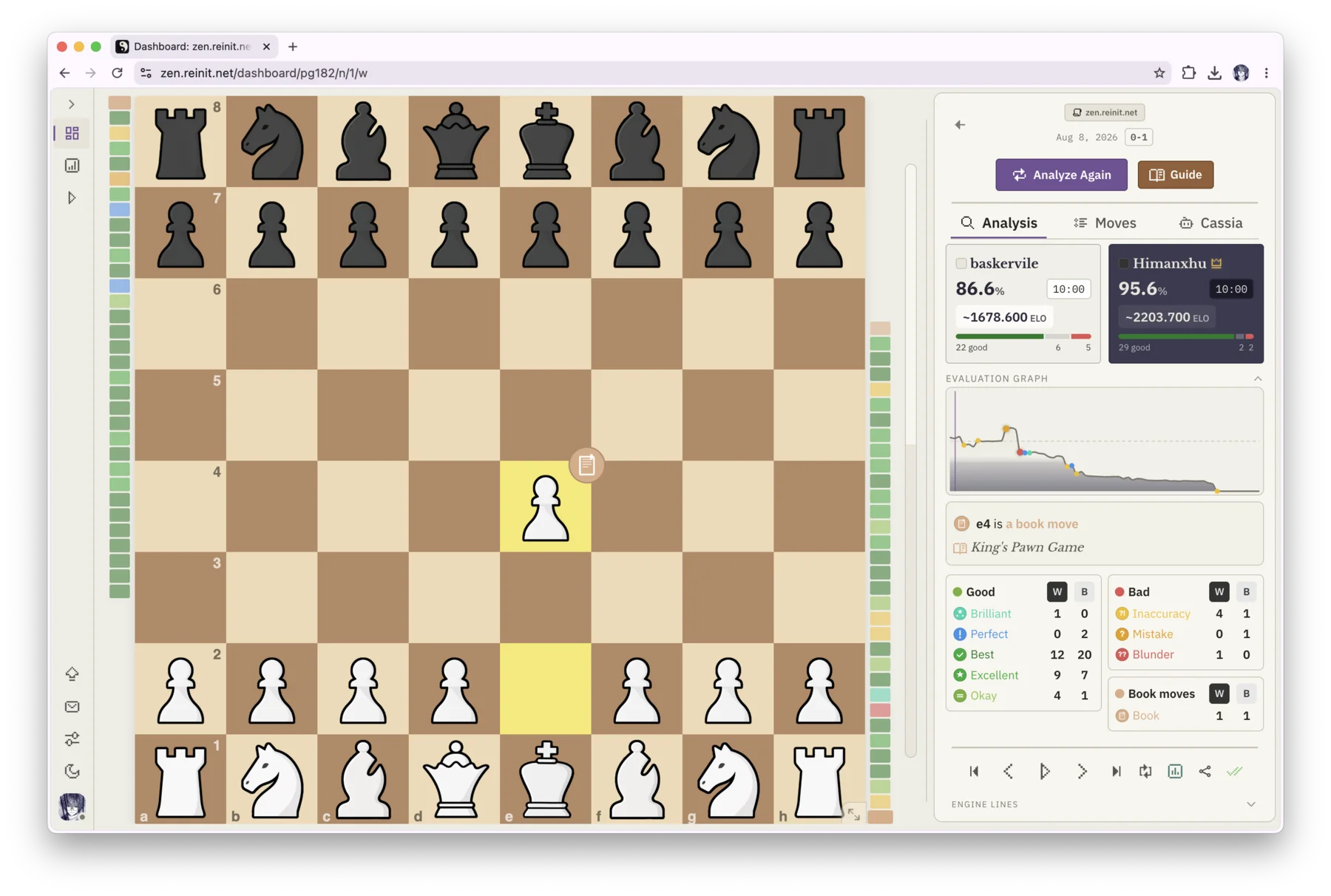
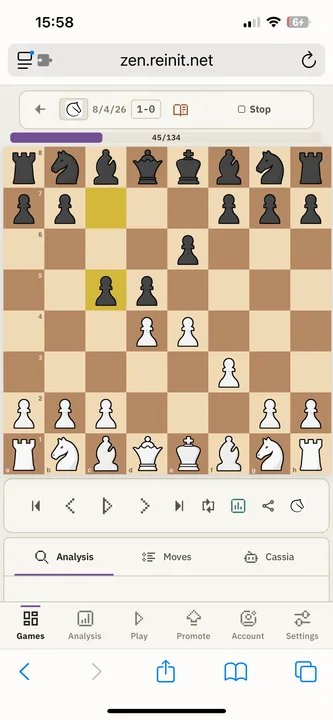
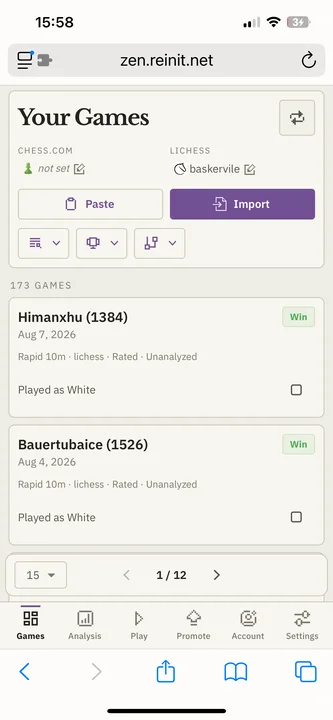
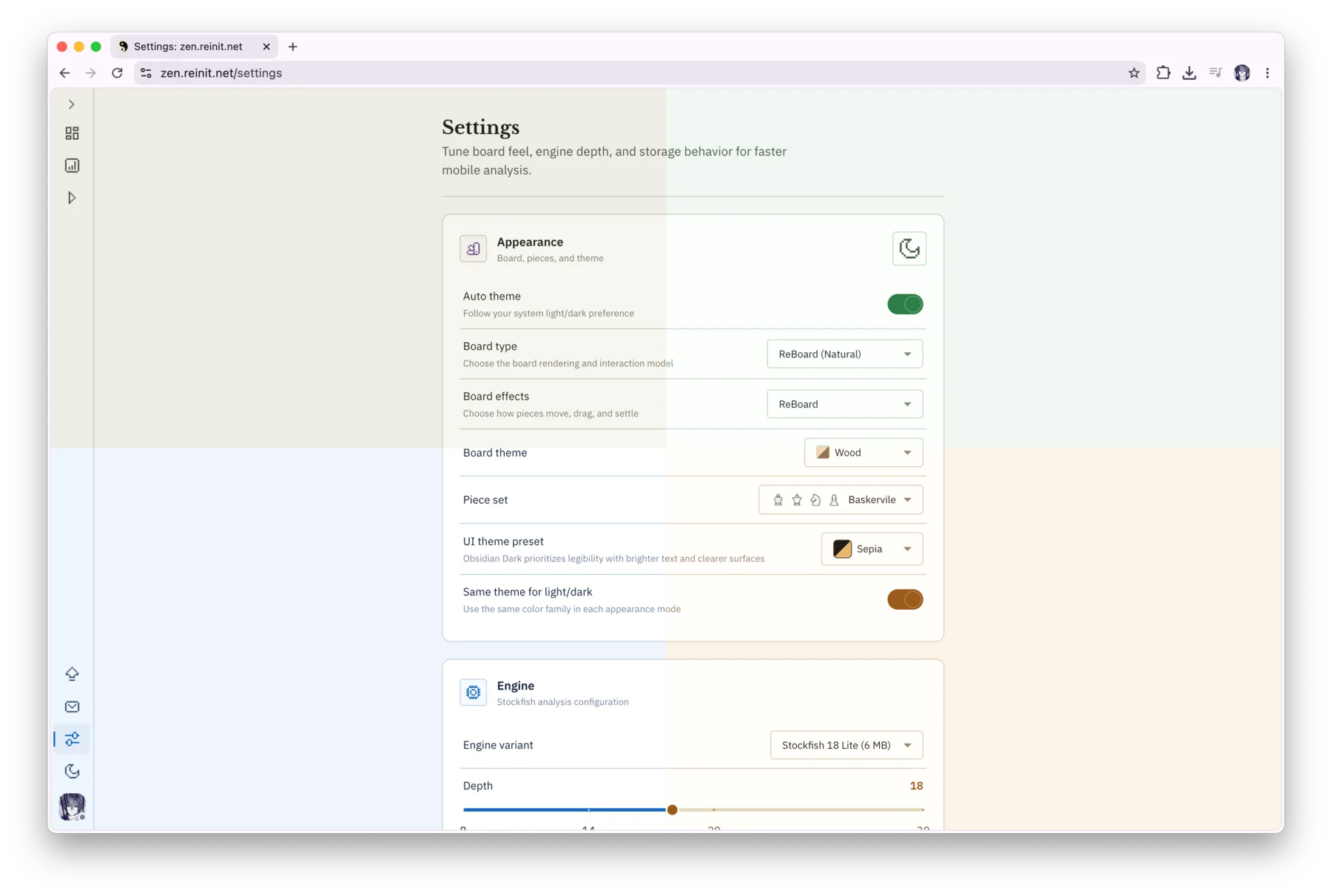
Use responsive phone, tablet landscape, and desktop layouts rather than a desktop board squeezed into a small screen.
Follow the device automatically or select light or dark mode yourself.
Choose Obsidian, Cobalt, Moss, or Sepia, with separate light and dark versions and an option to coordinate both modes.
Choose between Natural and Fast board behavior, ReBoard or LiBoard effects, thirteen board themes, and twelve piece sets.
Tune piece animation duration, navigation speed, and autoplay interval to make review deliberate or quick.
Play through a game automatically or use start, previous, next, end, and arrow-key controls. Flip the board at any time.
Optional move, capture, and illegal-move sounds provide immediate feedback without obscuring the board.
Move through Overview, Timeline, Explore, Simulation, and return states with guidance tied to the current workflow.
Export a familiar chess format when that is enough, or preserve Zen-specific work in one portable file.
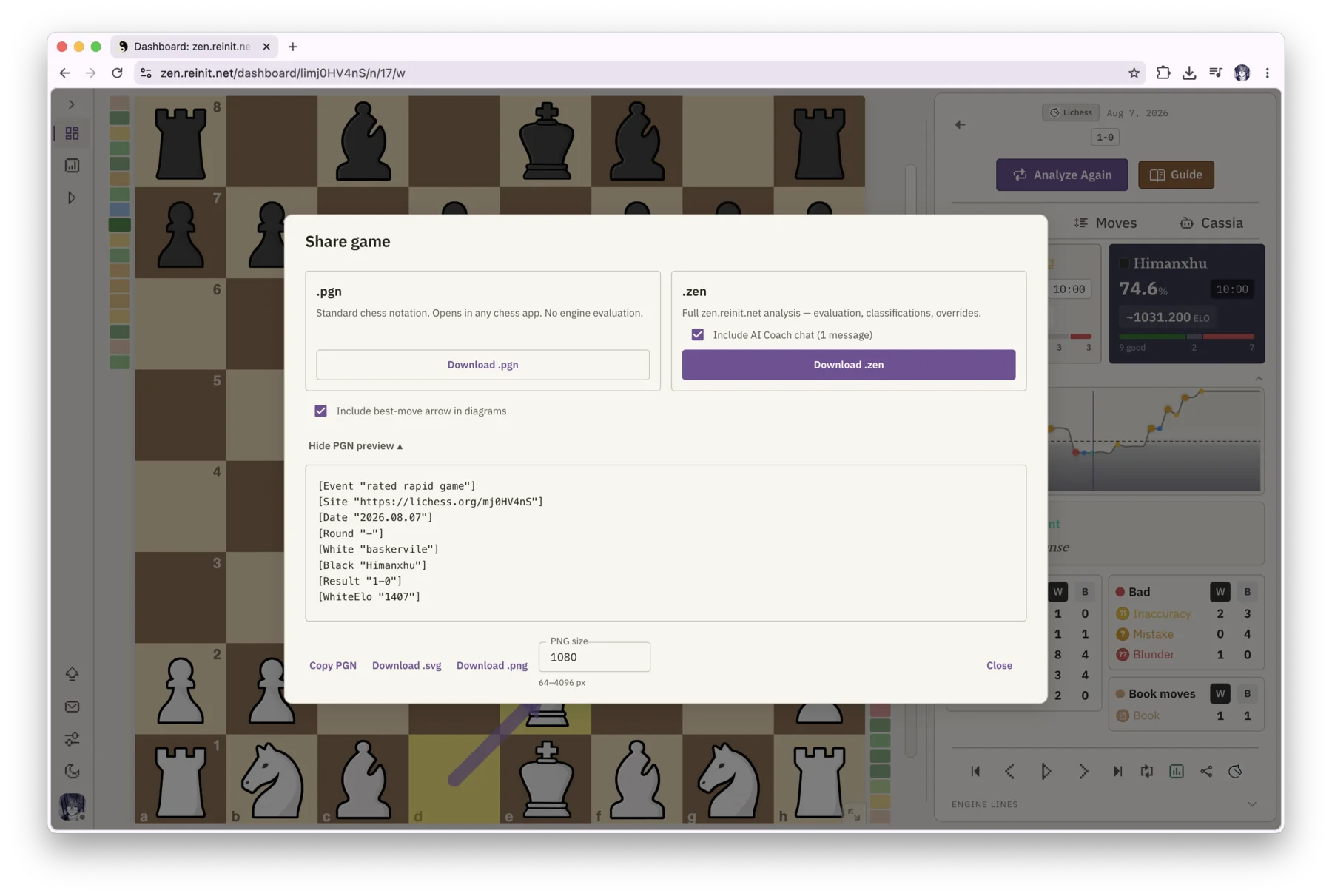
Move the game into another chess tool using the standard format.
Export the current position as a vector or configurable 64 to 4096 pixel image, with an optional best-move arrow.
Share one compact file containing the PGN, engine evaluations, analysis settings, classifications and overrides, accuracy, orientation, and optional Cassia chat.
Standard PGN preserves the moves. Opening a .zen file also restores the attached analysis so another device or player does not need to calculate it again.
Zen begins locally. An account adds Cassia and can extend the workspace across devices, while unfinished tools remain clearly labelled.
Sync supported settings plus saved, imported, and analyzed games across devices. Light and dark mode remain device-local.
See move-explanation and game-summary usage for the rolling 30-day period from the account page.
Set a display name and a four-digit profile code for the account connected to the workspace.
Replay mistakes from an analyzed game, try a correction, request a hint, reveal or skip, switch sides, and review solved, revealed, and skipped totals.
Enable in-product guidance that changes with the current analysis state.
Adjust the dashboard interface scale independently when more or less information should fit on screen.
Open the local dashboard without an account, or read how Cassia keeps language grounded in chess analysis.